

Send jewelry packaging artwork at the intended finished size, with editable vector paths where suitable, defined colors and clearly separated decoration layers. Confirm the supplier’s file requirements and proof approval process. A screenshot cannot reliably define sharp edges, exact placement or production color.
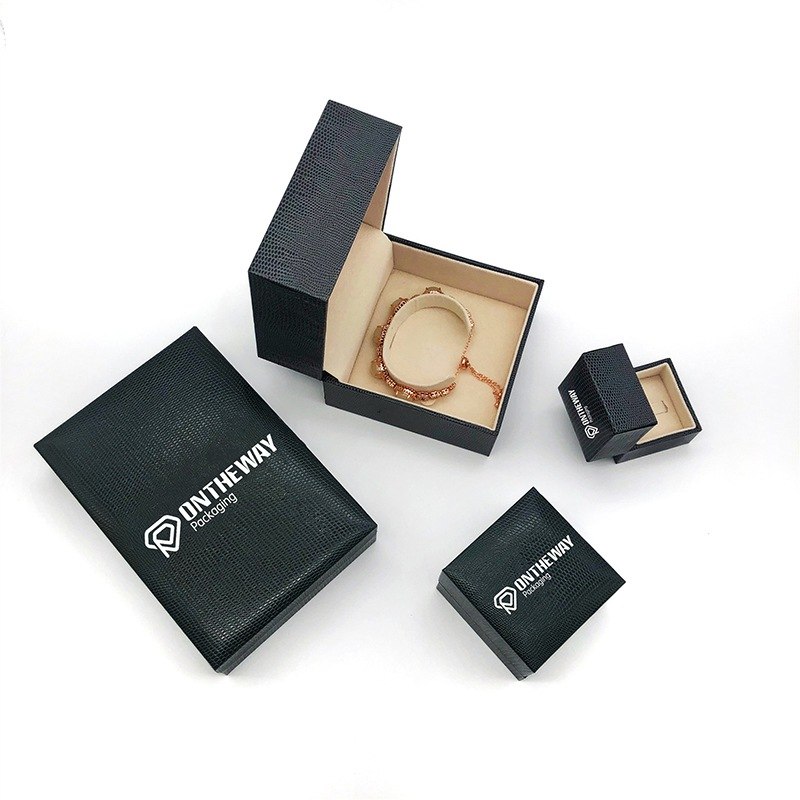
Prepare a production file rather than a visual reference
A reference image is useful for discussing style. For production, provide the logo in a format the supplier can use without redrawing it. Outline fonts when appropriate and keep an editable master. State the logo width and height in millimeters. Ask the supplier to flag changes required by the selected decoration process instead of modifying the design silently.
Separate the surfaces and processes
Show the exterior lid, interior lid, sleeve and insert branding on separate labeled views. Identify foil, ink, embossing and debossing with dedicated layers or clear annotations. A gold colored shape on screen is not a complete foil specification. Confirm the physical finish using a sample or agreed material reference.
Check small details at actual size
Print the artwork at its intended size and inspect fine strokes, small letters and narrow gaps. Review it on the actual covering because texture changes the result. Ask for process specific guidance on minimum features and separation. Avoid a universal minimum line width that ignores the material and manufacturing method.
Control revisions and approve a proof
Use one current filename and version number. Include the box drawing and placement dimensions in the approval record. Confirm whether the proof shows artwork only or also verifies the decoration result. Review spelling and orientation inside an opening box; a technically centered logo can still appear upside down to the customer.
Distinguish artwork intent from production instructions
A presentation mockup communicates appearance but may not specify how the logo is manufactured. Provide the original artwork and identify the intended decoration area on a separate placement drawing. Explain which elements must remain editable or outlined in the final production file. Ask the decoration provider to confirm its actual file requirements before release.
For editable vector master, define the decision before collecting more samples. Identify who needs the result and what they can approve. In the review titled “Distinguish artwork intent from production instructions”, record the unresolved assumptions. For editable vector master, ask which actual configuration the current evidence covers. Keep observations separate from preferences and proposed alternatives. If an answer remains incomplete, assign a follow up owner. Keep the agreed requirement for editable vector master visible in the purchase record. Give the next reviewer enough context to reproduce the comparison. Do not rely on a verbal assurance alone.
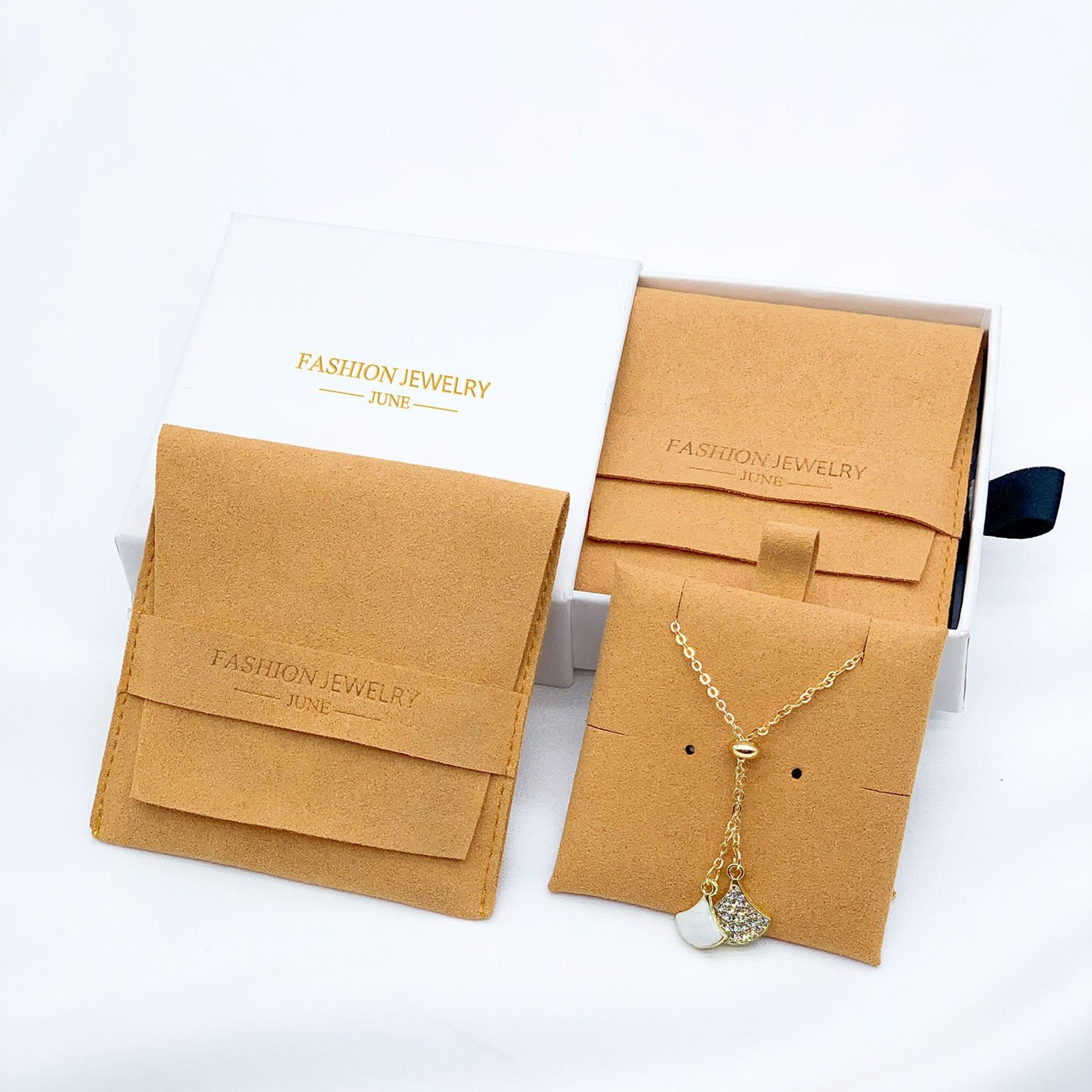
Review the logo at its intended physical size
Print a scale reference or examine an actual decorated sample. Thin lines, small counters and closely spaced letters can behave differently from the enlarged logo on a screen. Check the smallest important detail rather than approving only the overall silhouette. If simplification is proposed, have the brand owner approve the revised mark explicitly.
Treat finished logo dimensions as a named requirement in the comparison record. Show the current reference beside the proposed alternative. For the issue addressed in “Review the logo at its intended physical size”, change one relevant variable at a time. Record the product or component actually used in each comparison. Keep the original observations available after choosing a preferred option. Otherwise, a later purchaser may repeat an already rejected approach. Ask whether a change to finished logo dimensions affects another requirement or packing task. Resolve that interaction before releasing the complete configuration. The aim is a decision others can follow without guesswork.
Define placement from stable references
Measure the logo position from named edges or centerlines on the assembled surface. Avoid relying solely on a perspective rendering. A centered design on a lid may look different after the box is opened or tied with ribbon. Review the customer facing configuration and document which reference controls production placement.
Assign responsibility for fonts and linked assets resolved across the handover between teams. The person selecting an option may not perform the packing. Use “Define placement from stable references” as a review topic for the people responsible for selection and packing. Record any preparation or special handling the approved result requires. If a workaround is necessary, evaluate whether it is repeatable. Avoid leaving essential technique in one experienced operator’s memory. Include fonts and linked assets resolved in the practical handover instructions and first run review. When fonts and linked assets resolved is questioned, compare the documented design with the packing method. Review the assembled result before closing the action.
Specify color and finish separately
The brand color, metallic appearance and surface texture are different aspects of the mark. A digital preview cannot establish all three. Request a physical reference appropriate to the decoration method and substrate. If exact visual matching is important, define the comparison conditions and approval sample rather than assuming one color code guarantees an identical appearance.
Make the proof review a controlled decision
Check spelling, proportions, scale, orientation and placement against the current artwork revision. Have one owner consolidate the comments. Mark the proof approved only when outstanding corrections are resolved. A supplier’s file conversion may be necessary for production, but the buyer should review any visible change before the converted artwork becomes the manufacturing reference.
Archive a production ready artwork set
Store the approved logo, placement drawing, proof and sample reference together. Use clear filenames and revision dates, without keeping conflicting final versions in the same release folder. Identify the person who can authorize changes. The next order should be able to repeat the approved result without reconstructing the decision from old email attachments.
Illustrative purchasing scenario
An illustrative brand sends a large logo image to several packaging suppliers and approves an appealing screen mockup. When a physical sample arrives, a small letter opening is difficult to distinguish and the mark appears off center after the box is tied with ribbon. The artwork looked correct digitally, but the release package did not define the finished decoration adequately.
The team retrieves the original vector artwork and establishes the intended physical logo size. It reviews a scale reference before asking the decorator to assess the fine details. Any proposed simplification returns to the brand owner, rather than becoming an unrecorded production adjustment.
The placement drawing then identifies the controlling edges and the customer facing configuration. The ribbon is included in the appearance review because it changes the visual balance. A physical decoration reference is approved for the chosen covering and finish, while the original logo remains archived separately.
Purchasing releases one identified artwork package and asks the supplier to acknowledge the production version. This example does not promise that a particular process can reproduce every detail at every size. It demonstrates a handover that distinguishes brand intent, file preparation, scale, placement and physical appearance. Each of those decisions needs an owner before the buyer can reasonably expect the production mark to repeat the approved sample.

Buyer checklist
- · Editable vector master
- · Finished logo dimensions
- · Fonts and linked assets resolved
- · Decoration layers separated
- · Placement on approved drawing
- · Versioned proof approval
Practical example
A file named brand logo final final does not identify production scope. A clearer record is logo v03, exterior lid, 28 mm wide, centered to the approved lid panel, with the chosen foil reference listed in the specification.
Frequently asked questions
Can the supplier use a PNG?
Some processes can, but a small raster file can lose edge quality. Ask for the required resolution and confirm the result in a proof or sample.
Is a screen color enough for matching?
No. Screens vary. Agree a physical reference and evaluate the finished decoration on the selected covering.
Discuss your packaging specification
Submit the editable logo, finished dimensions and intended decoration surfaces to OnTheWay Packaging before requesting an artwork proof.
Explore Custom Jewelry Boxes with Logo or contact OnTheWay Packaging.


.png)
.png)
.png)

.png)

.png)